
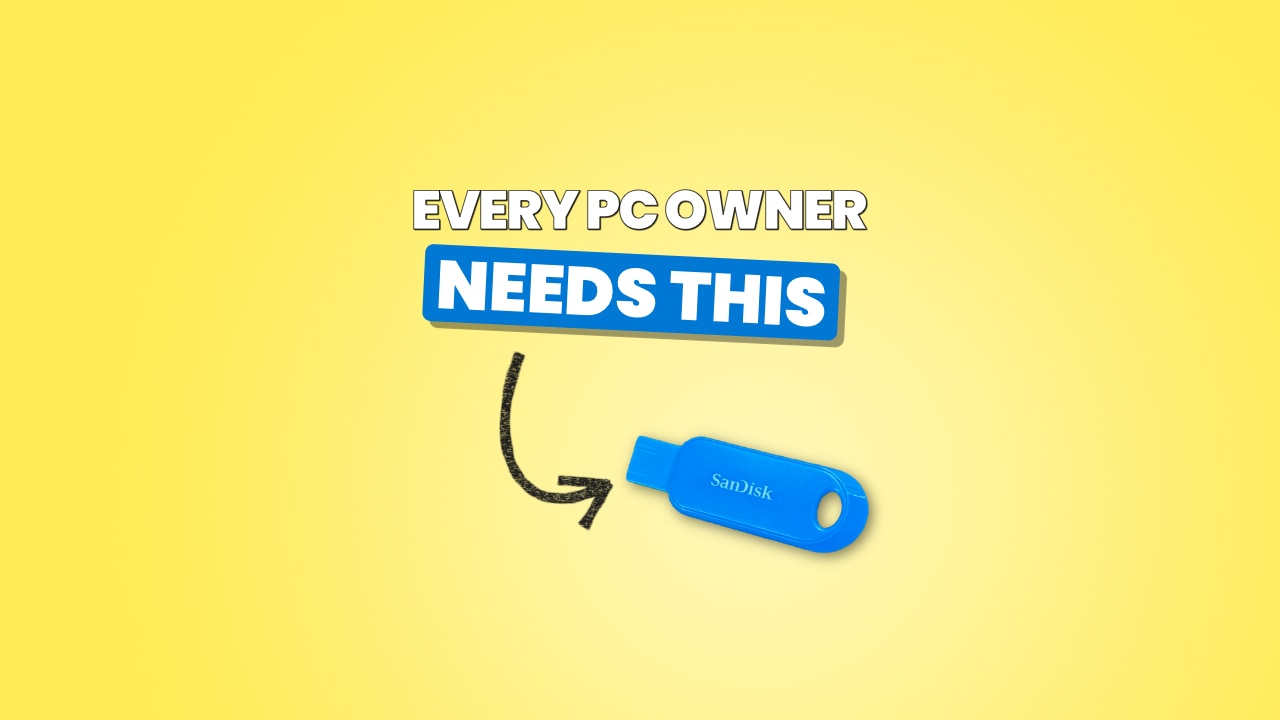
In this video I show you how to make a Windows 11 installation USB using Microsoft’s free Media Creation Tool. It’s one of the most useful tools you can have if you own a PC. You can use it to:
✅ Install a fresh copy of Windows 11
✅ Upgrade a Windows 11 PC to the latest version
✅ Repair a Windows 11 computer that won’t start up
✅ Upgrade a compatible Windows 10 computer to Windows 11
It’s free, it takes about 20 minutes (most of that is download time), and you don’t need any technical knowledge.
🔗 LINKS
Disclosure: This video contains ads. Links marked as affiliate links and the product tags on screen earn me a small commission if you buy through them, at no extra cost to you.
Here’s the SanDisk USB drive I recommend. The lineup has been refreshed since I recorded the video so this is actually cheaper and a newer model.
https://link.amazon/B0d8MdiZt
This is the Microsoft page where you can download the Media Creation Tool to create your Windows 11 USB.
https://www.microsoft.com/en-us/software-download/windows11